Networking Projects

Network Infrastructure Simulator
Case Study
Overview / What I Built
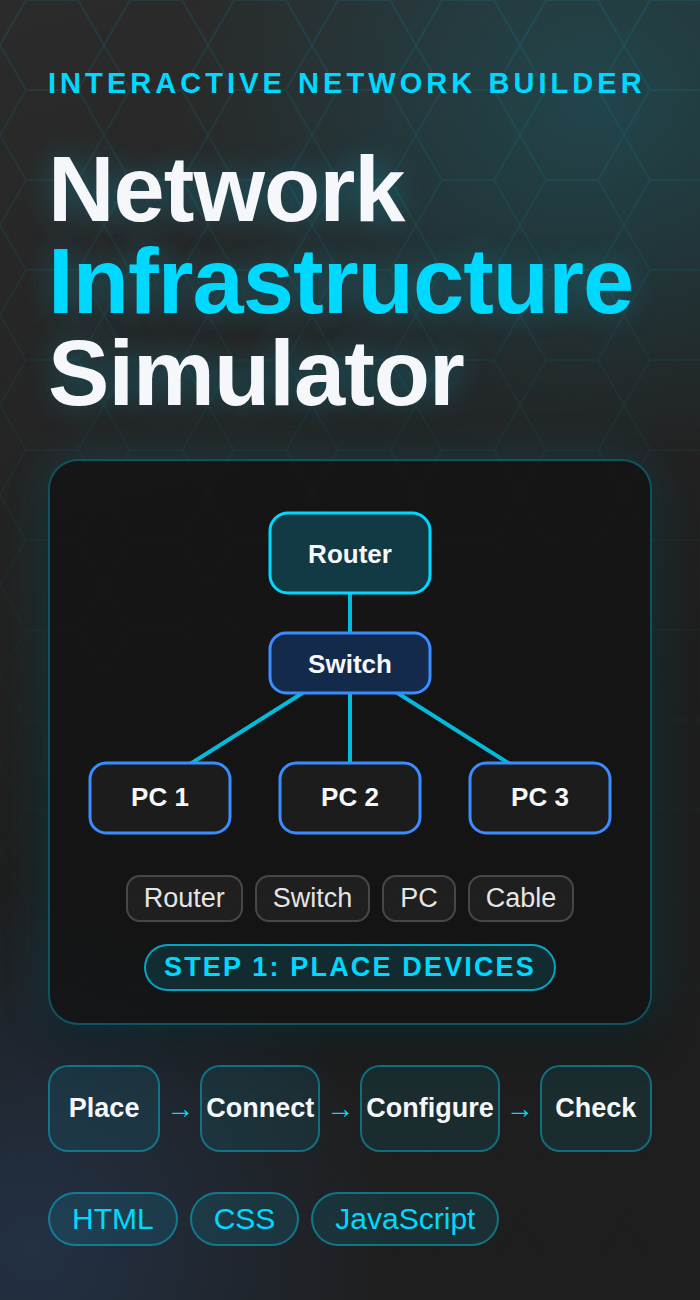
I built this in the browser to practice how networks fit together. You drag routers, switches, and PCs onto a canvas, connect them with cables, set up each device from its own command line, and then test it with a ping.
- A drag and drop canvas with a router, a switch, and a PC, plus a cable mode to connect them
- A command line on each device with commands like hostname, ip address, gateway, vlan, interface, switchport mode access or trunk, show running config, and ping
- A ping test between devices to check that the setup works
- A Learning Assistant with step by step hints, a Next Step button, and an Auto Check
- Save, load, export, and import so you can keep a network you built
Try It Live
This runs in your browser, so there is nothing to install.
Build a small network. Place a router, a switch, and a few PCs, connect them, give each device an IP address, and see if a ping goes through. The Learning Assistant walks you through the first steps.
Open the Live DemoBuild Notes and Links
What I remember about building it
This was one of my first projects, so most of my time went into errors and broken code. I kept getting the syntax wrong and putting strings in the wrong place, and I had to fix it one error at a time until it worked. Honey-AI, the newest project on this site, is a better picture of where my skills are now.