IT Support Labs
Overview
This lab shows how I prepared and deployed devices during the district rollout, including refreshing old devices and handling the ones that were retired.
Real world relevance: A device that is imaged and updated the same way every time is more secure and gets to the user faster.
Approach
- I prepared devices with the district image and standard settings.
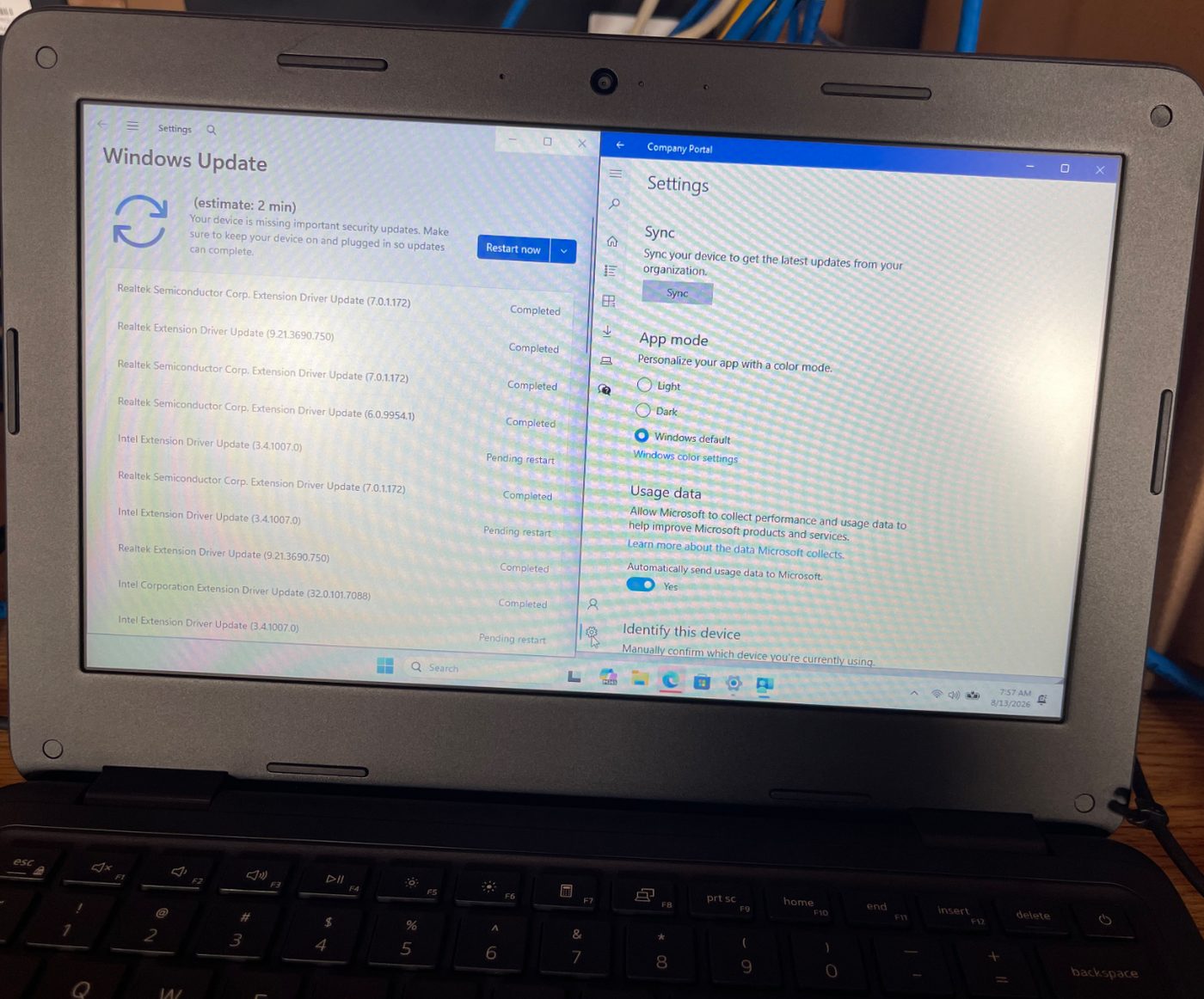
- I ran imaging and checked that updates and security patches were installed.
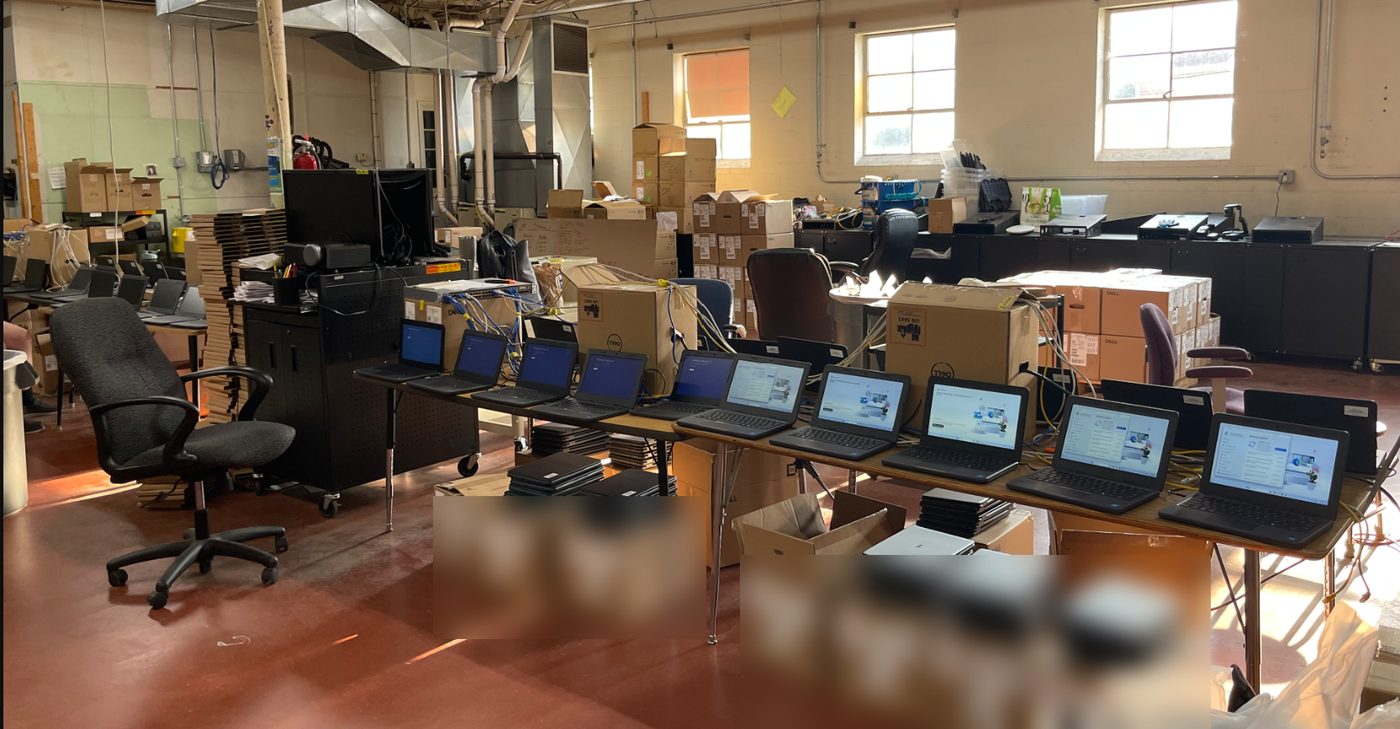
- I kept work moving by unboxing and prepping the next batch while the current one reimaged.
- I checked enrollment, software, and sign in before a device went out.
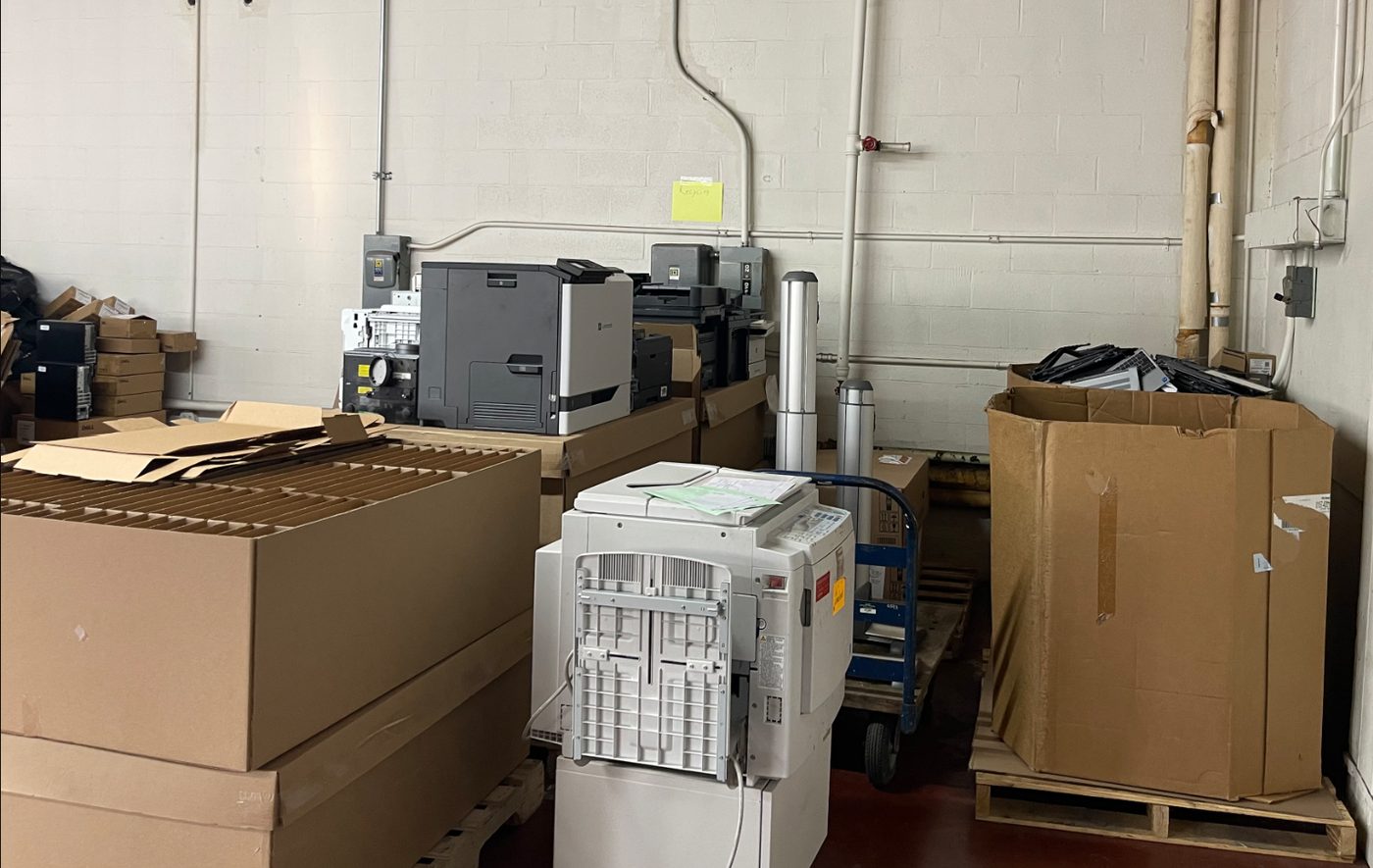
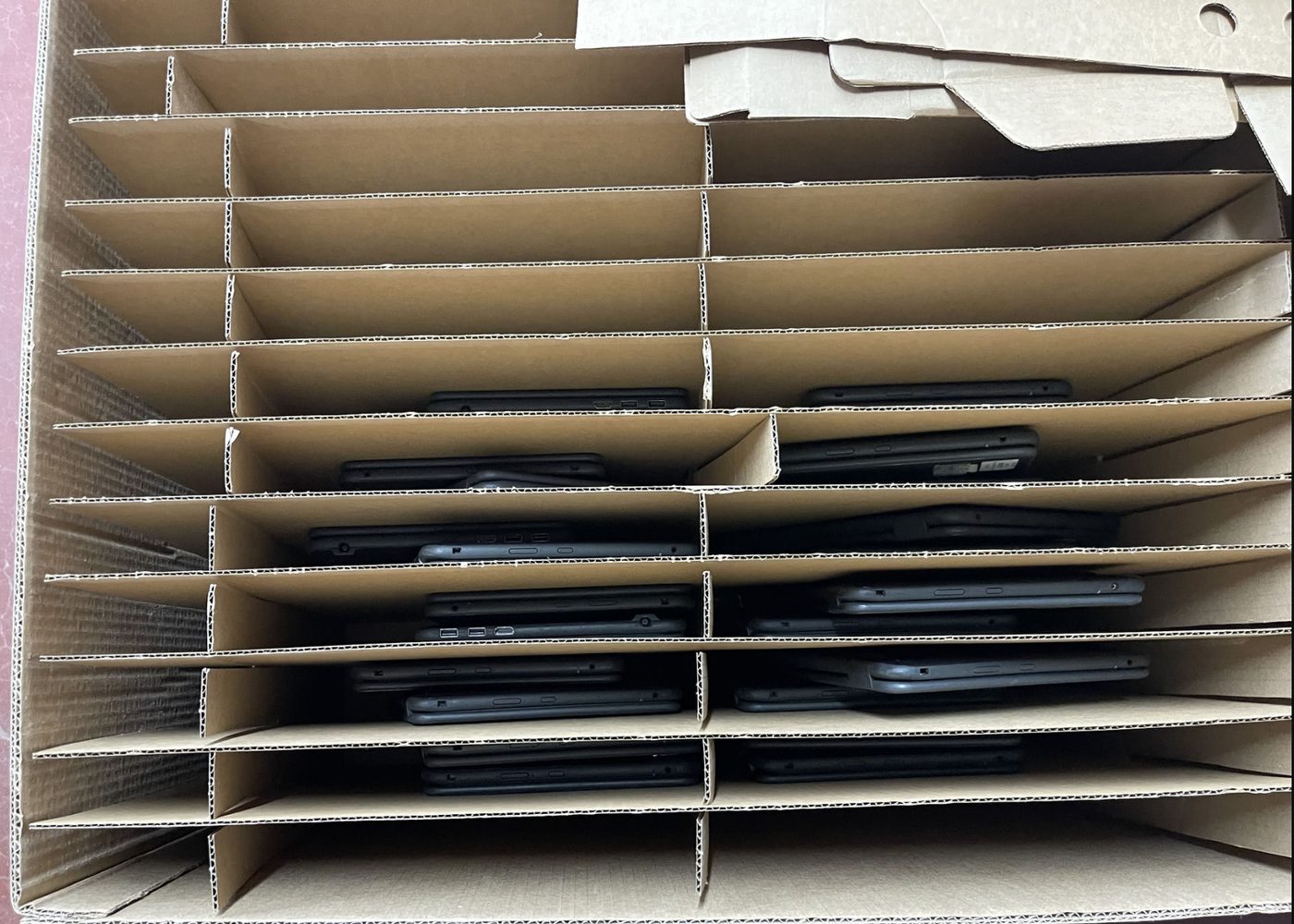
- I handled end of life devices by wiping them, checking them, and tagging them as retired.
Key Skills Demonstrated
- Deploying devices in large numbers
- Imaging devices the same way every time
- Checking updates and enrollment before handoff
- Handling devices at the end of their life
Tools & Technologies
- Imaging and deployment checklists
- Microsoft Intune
- Dell Command Update
- Company Portal
- Software Center
- The district asset system
Results & Outcomes
- I helped the team reach the goal of about 6,000 new devices in under four weeks.
- I checked devices before delivery so they were ready when they arrived.
- I followed a clear process to retire old devices securely.
Deployment Photo Highlights