IT Support Labs
Overview
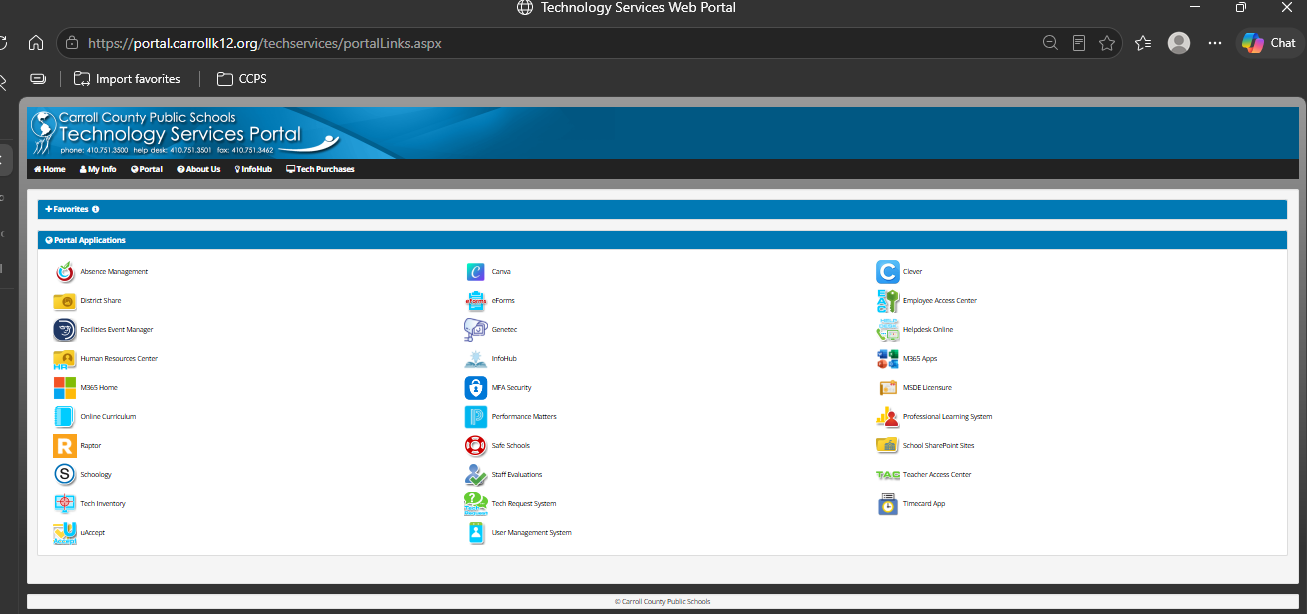
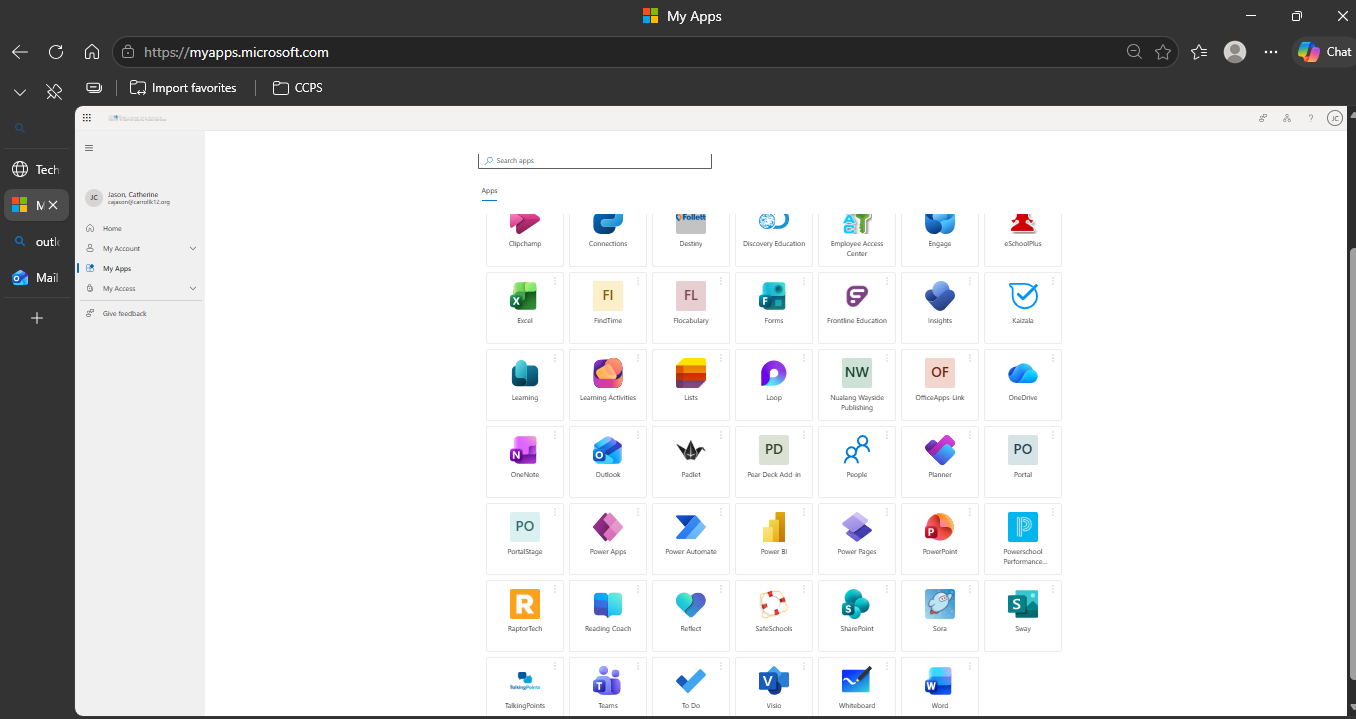
This lab shows how I help people get to the apps they need across the district's systems, including account access, finding apps, and getting software installed.
Real world relevance: When people can open their apps, teaching and school work keep going.
Approach
- I asked what the problem was and which system it depended on.
- I checked the person's permissions and gave them access to the app when they needed it.
- I walked people through Microsoft 365, Company Portal, and Software Center.
- I checked that the app opened and wrote notes on problems that kept coming back.
- When I could not fix something, I passed it on with clear steps to repeat the problem.
Key Skills Demonstrated
- Troubleshooting enterprise apps and guiding users
- Checking permissions and enabling access
- Writing down support steps for staff and student issues
- Explaining technical steps in plain words
Tools & Technologies
- Microsoft 365
- The district portals
- Company Portal (used on student devices)
- Software Center (used on staff devices)
Results & Outcomes
- I restored access to apps for different groups of users.
- I kept written steps for common problems so they were easier to repeat.
Supporting Screenshots (Clickable)