IT Support Labs
Overview
This lab shows how I kept track of district devices during the summer rollout. I helped deploy about 6,000 student devices and about 45 administration and teacher devices.
Real world relevance: If the inventory is accurate, it is easy to find a device, know who has it, and keep it secure and up to date.
Approach
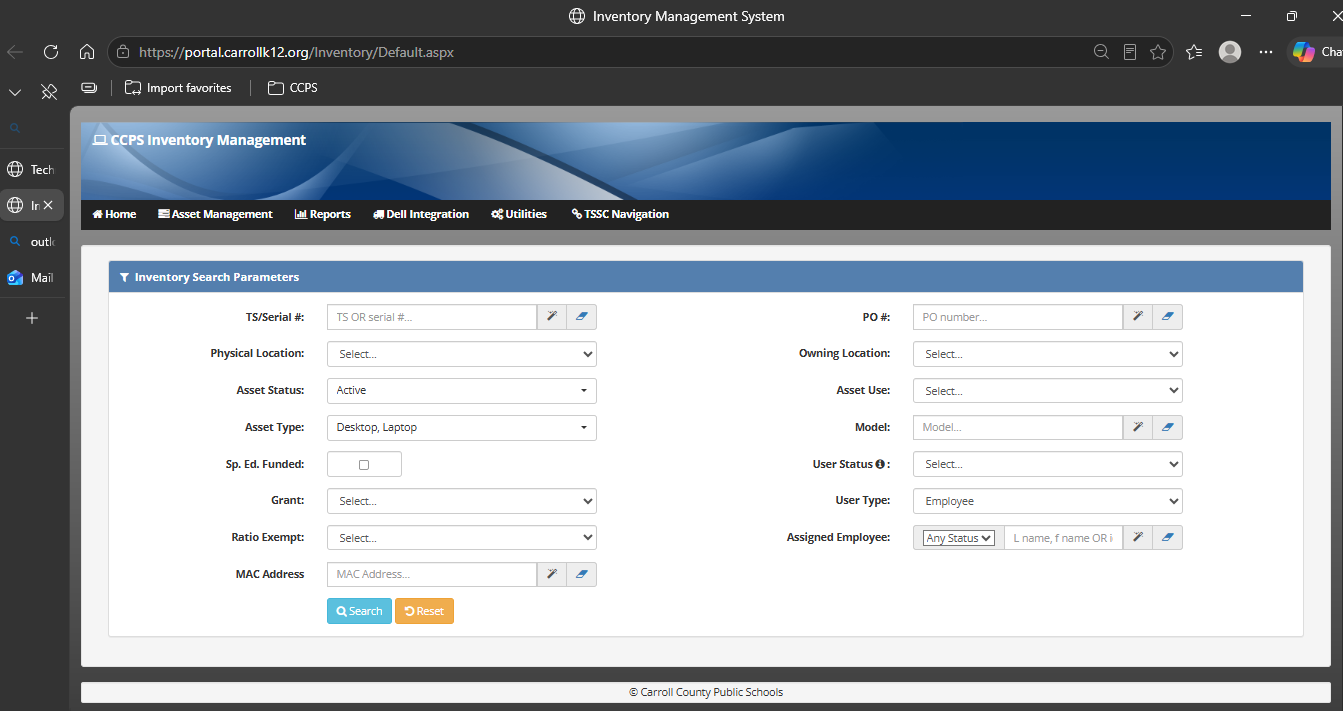
- I found each device by serial number, TS tag, or the person it was assigned to.
- I checked who owned it and what stage of its life it was in.
- I ran updates before a device was handed out again.
- I recorded the changes so the inventory matched the device.
- I got devices ready to be refreshed, reassigned, or retired.
Key Skills Demonstrated
- Keeping inventory records accurate
- Tracking a device from deployment to retirement
- Checking that devices are updated and follow policy
- Working with other team members across many sites
Tools & Technologies
- The district inventory system
- Microsoft Intune
- Dell Command Update
- Imaging and staging steps
Results & Outcomes
- At the end of each cycle I scanned devices into inventory by site, so the records stayed current.
- Devices got their updates before they went out.
- Our team reached the goal of about 6,000 new devices in under four weeks.
Supporting Screenshot (Clickable)