IT Support Labs
Overview
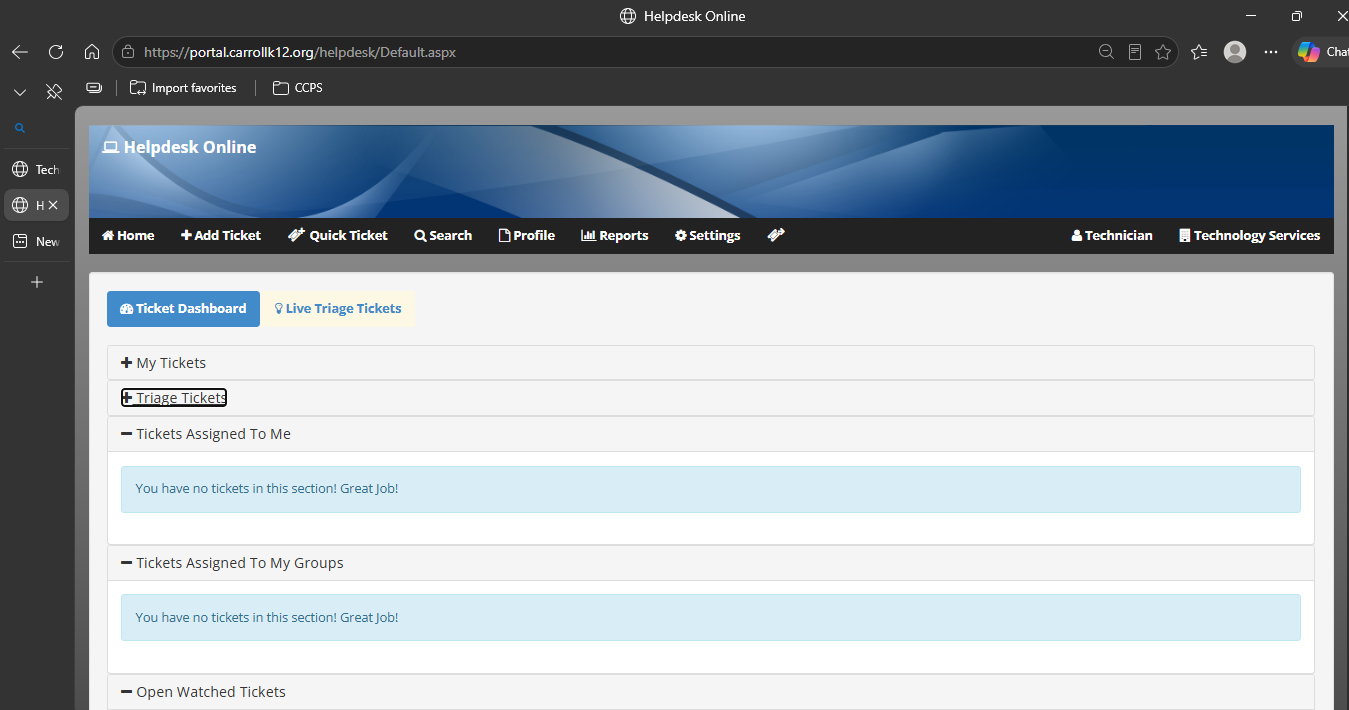
This lab shows how I work a support ticket from the first message to the final note. It is based on the help desk work I do for staff and students at Carroll County Public Schools.
Real world relevance: When tickets are sorted well, classrooms and staff spend less time waiting on a broken account or device, and access stays secure.
Approach
- I read the ticket to see who it affects and how urgent it is.
- I confirm who the person is before I touch anything on their account.
- I use remote tools to see the problem myself and find the cause.
- I fix the MFA, password, or lockout issue and check that the person can get in.
- I write down what I did and the final status so the next person can pick it up.
Key Skills Demonstrated
- Sorting tickets by urgency
- Checking a person's identity before account changes
- Remote troubleshooting and walking users through a fix
- Clear notes when a ticket is closed
Tools & Technologies
- Quick Assist
- Remote Desktop
- Active Directory
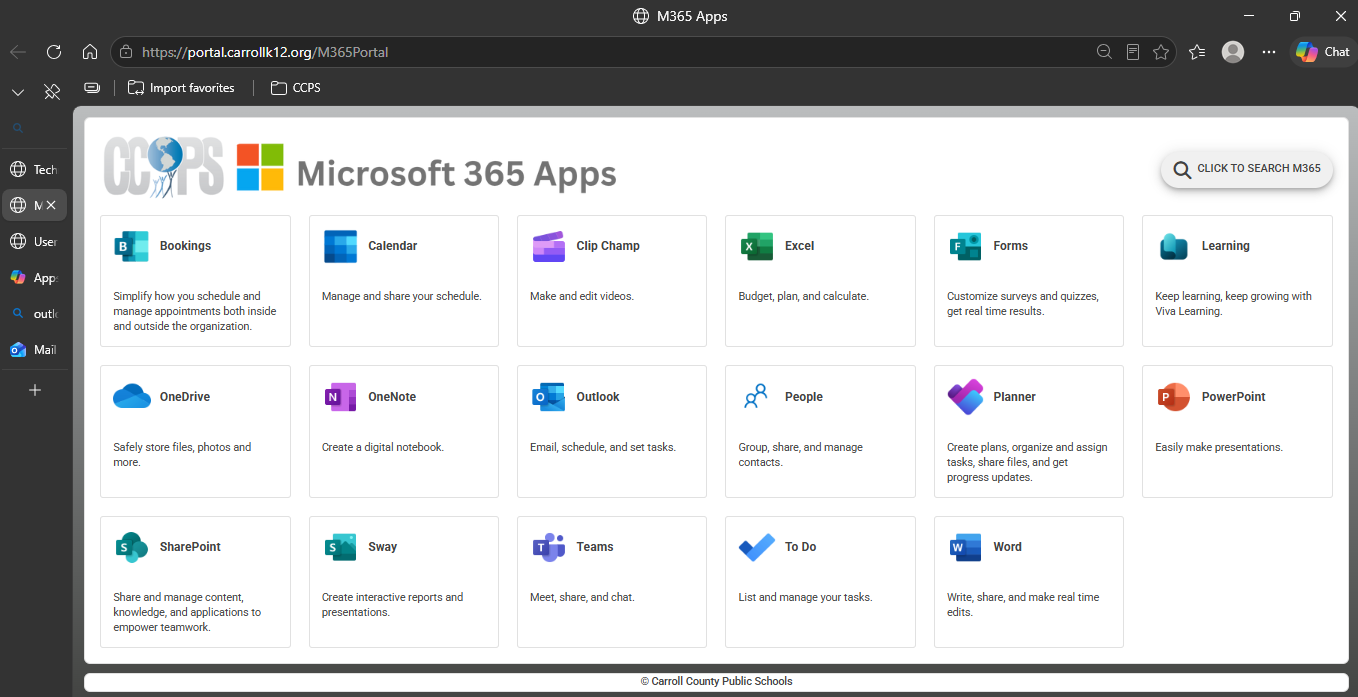
- Company Portal
- The district ticketing system
Results & Outcomes
- I reset MFA and unlocked accounts after confirming who was asking.
- I helped people recover passwords without weakening account security.
- The goal every time was to get the person back to work or class quickly.
Supporting Screenshots (Clickable)